
Key takeaways
- A pillar page is a broad guide to one topic that links to every article covering a part of it in depth.
- The idea was set out by HubSpot Research in 2017 as the topic cluster model, and has become standard practice for content sites.
- A good pillar answers the main question on its own and sends readers to articles for depth. It is a guide, not a table of contents.
- Every article in the topic links back to its pillar; the pillar links down to every article.
- One topic, one pillar. Two pages trying to be the guide to the same thing weaken each other.
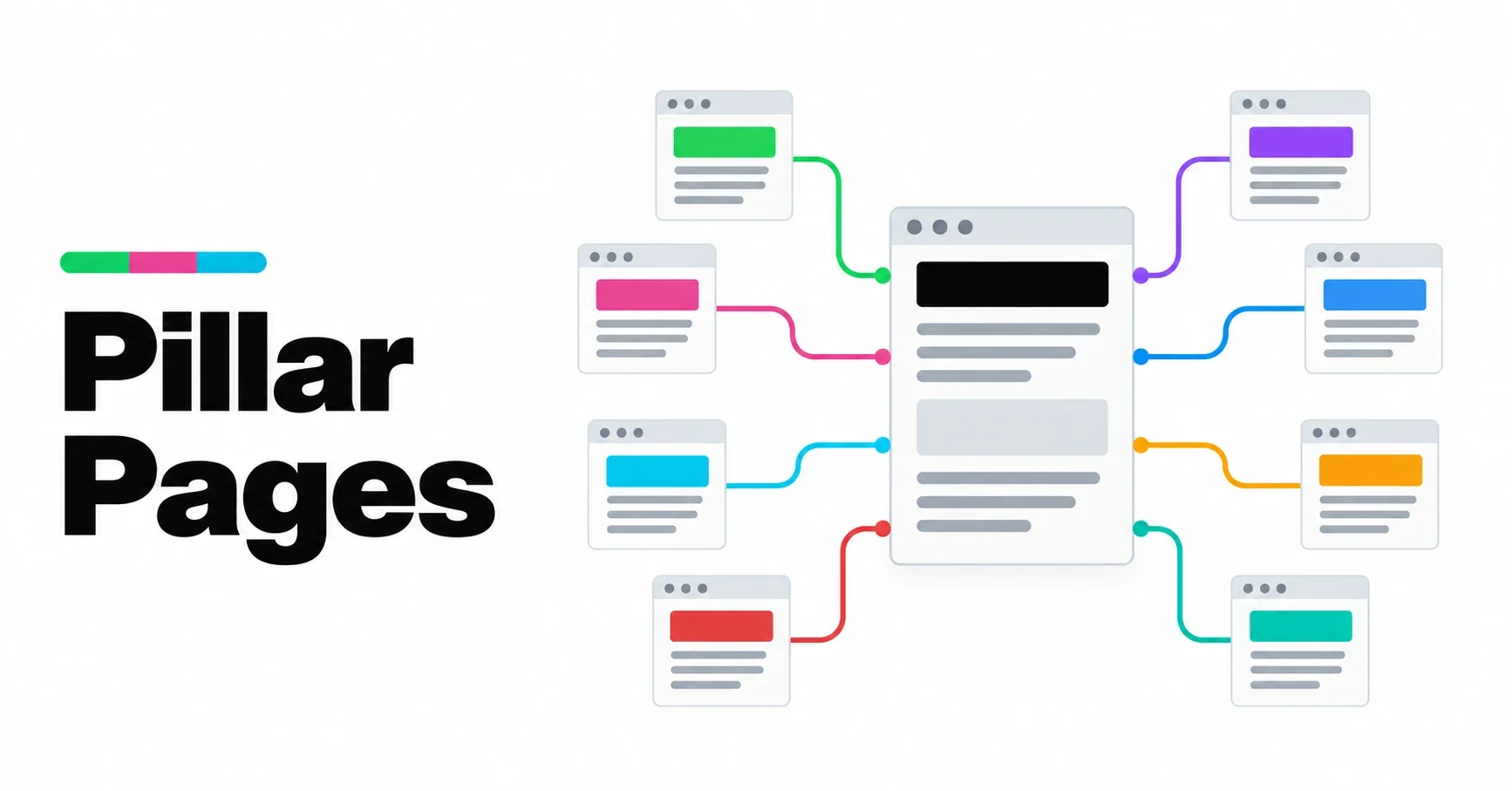
A pillar page is the page you would hand someone who asked you to explain a subject from the beginning. It covers the topic broadly, answers the main question directly, and links to more detailed articles on each part of it. Those articles, in turn, link back to it. Together they form a topic, and the pillar is the center of it.
This article explains how to build one. It is part of our guide to site architecture.
Where the idea comes from
The pillar and cluster model was first set out by HubSpot Research in 2017, according to the Content Marketing Institute. The insight behind it was simple: a blog organized only by date makes it hard for readers and search engines to see what a site knows. Grouping content into topics, each with a central page, makes that knowledge visible. The model has since become one of the most widely used ways of structuring content sites, because it keeps working as a site grows.
Pillar page or article?
| Pillar page | Article | |
|---|---|---|
| Scope | The whole topic | One question or aspect of it |
| Depth | Broad, enough to answer the main question | Deep, as far as the question needs |
| Links | Down to every article in the topic | Up to the pillar, across to neighbors |
| Changes | Updated as the topic grows | Updated when its facts change |
| Example | Site Architecture | Internal Linking |
A useful test: if a reader could only read one page about this subject on your site, which one would you want it to be? That is the pillar.
What belongs on a pillar page
A direct answer, early. Define the topic and say why it matters in the first few paragraphs. Readers who only need the basics should get them without scrolling.
The main parts of the topic. One section for each important aspect, each long enough to be useful on its own, and each linking to the article that goes deeper.
Practical guidance. Steps, decisions, common mistakes. A pillar that only describes a subject is less useful than one that helps the reader act on it.
Sources. A pillar is often the page other sites and AI assistants cite. Facts on it should be traceable.
Answers to the common questions. A short FAQ catches the questions that do not deserve their own article.
What does not belong: every detail of every subtopic. If a section grows long enough to stand on its own, it has become an article. Move it, summarize it on the pillar and link to it.
How long should a pillar page be?
As long as it takes to cover the topic broadly and no longer. In practice that is usually longer than a typical article, because it covers more ground, but length is a result, not a goal. A pillar padded to reach a word count reads like one, and readers leave. A pillar that answers the main question clearly in two thousand words is better than one that circles it for six thousand.
How to link a pillar
The links are what turn a page into a pillar:
- Down: the pillar links to every article in its topic, in the text where each part is discussed and in a list of the topic’s articles.
- Up: every article links back to its pillar, near the top, with descriptive words rather than “click here”.
- Across: each article links to two or three of its closest neighbors.
- From above: the pillar is linked from the home page or main navigation, so it is never more than a click or two from anywhere.
Our article on internal linking covers the wording and placement of these links in more detail.
Pillar pages in WordPress
In WordPress, a clean way to build this is to make pillars Pages and articles Posts. Pages suit pillars because they are permanent, sit outside the date-ordered blog and can use their own template. Posts suit articles because they are what the blog, its feeds and its archives are built around.
An article belongs to its pillar through links, not through its address. That way addresses can stay flat, as in /internal-linking/, and an article can move to another topic later without its URL changing. All of our themes follow this structure, and our plugin TWA AEO adds the “part of” link, the links between neighboring articles and the list of articles on each pillar automatically. You can build the same thing by hand with ordinary links; the plugin just makes it consistent.
Common mistakes
- Two pillars for one topic. If two pages try to be the guide to the same subject, they compete with each other. Merge them into one and redirect the other.
- A pillar that is only a list of links. A table of contents is not a guide. The pillar has to answer the question itself.
- Articles that never link back. If articles do not point to their pillar, the topic exists only in your head.
- Too many pillars. A pillar for every keyword is not a structure; it is the original problem with a new name.
- A pillar that never changes. As articles are added, the pillar should mention and link to them.
Frequently asked questions
What is a pillar page?
A broad guide to one topic that answers its main question and links to more detailed articles on each part of it. The articles link back, forming a topic cluster around the pillar.
How many pillar pages should a site have?
One per main topic. For most sites that means a handful, rarely more than ten or so. If you need dozens, some of them are probably subtopics.
Is a pillar page the same as a category page?
No. A category page lists posts automatically. A pillar page is written content that explains the topic and links to articles in a deliberate order.
Should a pillar page be a page or a post in WordPress?
A page usually works best, because pillars are permanent and sit outside the date-ordered blog. Articles work best as posts.