
Key takeaways
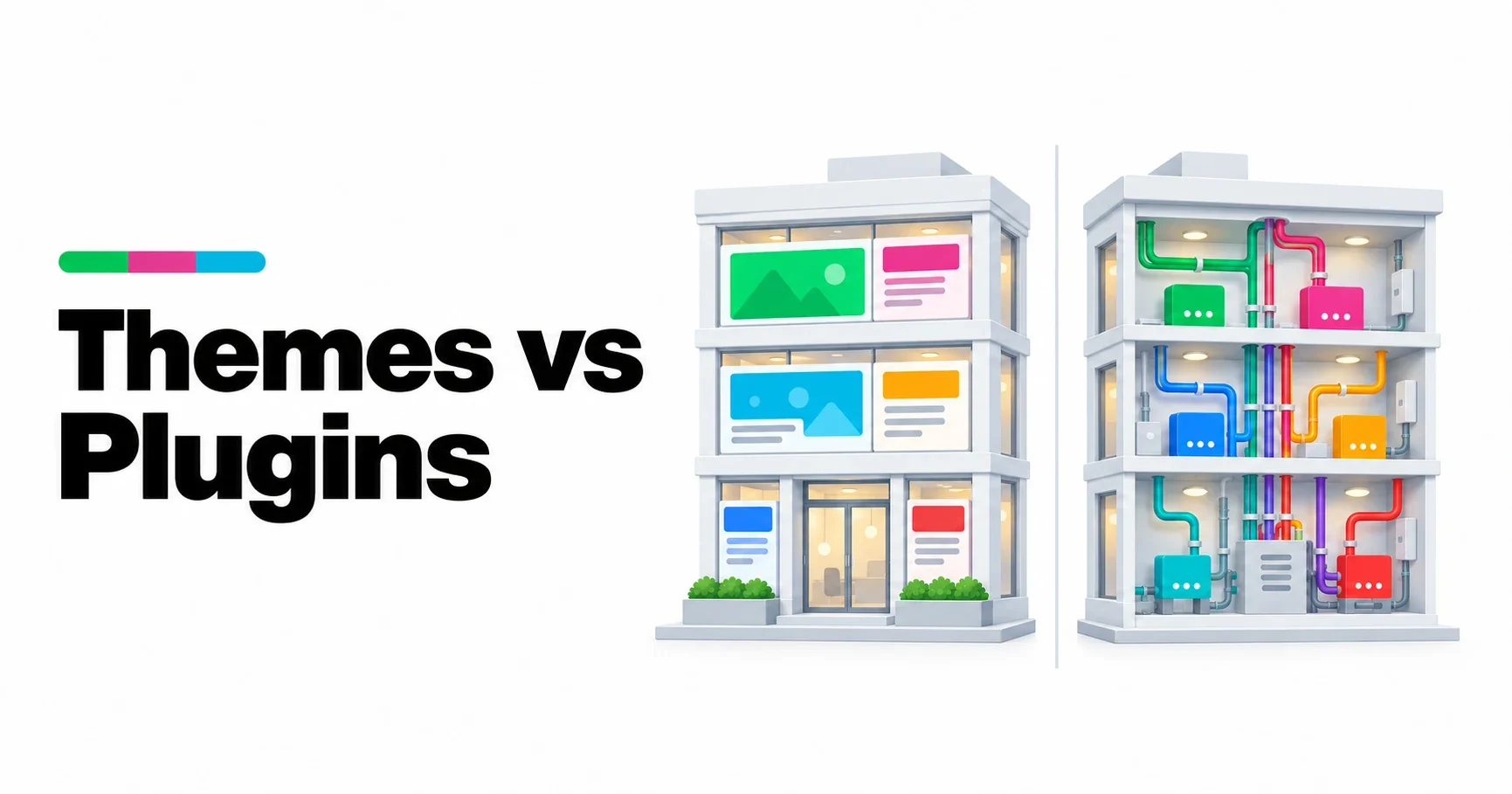
- Themes and plugins are both extensions of WordPress, but with different jobs: a theme decides how content is presented, a plugin decides what the site can do.
- The WordPress.org theme rules call features “plugin territory” and do not allow directory themes to include custom post types, shortcodes, analytics, SEO options or contact forms.
- The test is simple: if the feature should survive a change of theme, it belongs in a plugin.
- Content should belong to neither. Stored as standard blocks, it displays in any theme and outlives every plugin that did not create it.
- Mixing the layers is what turns a redesign into a migration. Keeping them apart is what lets a site change one layer at a time.
A WordPress site has two places to put code that is not part of WordPress itself: the active theme and the installed plugins. Both can run PHP, add scripts and styles, and hook into anything WordPress does. Technically, almost any feature could live in either. Architecturally, every feature has a right place, and choosing it decides how easy the site will be to change later.
This article sets out the boundary. It is part of our guide How WordPress Works.
Two extension layers, two jobs
Plugin territory
The term the WordPress.org theme review team uses for functionality that belongs in plugins rather than themes, such as custom post types, shortcodes, analytics, SEO settings and contact forms.
| Theme | Plugin | |
|---|---|---|
| Job | Presentation: how content looks | Functionality: what the site can do |
| How many are active | One at a time (plus its parent, for a child theme) | Any number |
| Main parts | Templates, template parts, styles, theme.json, patterns | PHP code attached to hooks, blocks, settings screens |
| What happens when it is removed | The site looks different | A feature disappears |
The difference in the last row is the whole point. Changing a theme is meant to be a visual decision. If it also removes features or content, something was in the wrong place.
What WordPress.org says
The theme review team publishes the requirements every theme in the official directory must meet. On functionality they are direct: themes may only recommend plugins that are themselves in the directory, and features in plugin territory must not be built into the theme. The examples given include:
- analytics or tracking
- SEO options
- contact forms
- social media like, follow and share buttons
- custom post types
- shortcodes
The same requirements say themes must keep data collection opt-in and must not show upselling on the front of the site. They are written for themes listed on WordPress.org, but they describe good architecture for any theme.
The test: what should survive a redesign?
The easiest way to place a feature is to imagine changing the theme next year. Ask what should still be there afterwards:
| Feature | Should it survive a new theme? | Belongs in |
|---|---|---|
| Colors, fonts, spacing | No, a new theme brings its own | Theme |
| Page layouts and templates | No | Theme |
| Header and footer design | No | Theme |
| A portfolio or product catalog | Yes | Plugin (custom post type) |
| Contact or booking forms | Yes | Plugin |
| SEO titles and structured data | Yes | Plugin |
| Analytics | Yes | Plugin |
| Testimonials, events, case studies | Yes | Plugin, or core blocks in the content |
If the honest answer is “yes, it should survive”, the feature belongs in a plugin, or in the content itself.
Content belongs to neither
Content is a third category. Pages and posts are stored in the database, and since WordPress 5.0 their content is made of blocks: ordinary HTML with comments naming each block. Core blocks, such as paragraphs, images and columns, display in any theme.
Content becomes fragile when it depends on a specific extension: shortcodes that only one plugin understands, layouts built with a page builder, or blocks registered by a theme. Remove the extension and the content breaks. The safest content uses core blocks wherever possible, and plugin blocks only for features that genuinely need them. We explain the storage format in How WordPress Stores Blocks.
Common mistakes
- Custom post types registered by the theme. The portfolio or product items stay in the database when the theme changes, but nothing displays or manages them any more.
- Shortcodes provided by the theme. Every page that used them shows the raw shortcode text after a redesign.
- SEO settings stored by the theme. Titles and descriptions vanish with it.
- Plugins that restyle the whole site. Design scattered across plugins makes the theme only partly in charge of how the site looks.
- Features pasted into functions.php. Code added to a theme’s functions file is lost when the theme changes or updates, unless it lives in a child theme, and even then it belongs to the theme. A small site-specific plugin is a better home.
Where the boundary blurs
A few things sit close to the line:
- Block styles and patterns are presentation, so they belong to the theme, but the content you build from them stays in your pages as core blocks.
- Blocks with their own functionality, such as a form or a map, come from plugins even though they appear in the editor alongside theme patterns.
- Theme-specific settings, such as a layout option only one theme offers, are fine in the theme because they are about how that theme presents things.
When in doubt, apply the redesign test again.
How plugins and themes work together
The boundary does not mean the two cannot cooperate. A plugin can provide data, such as the fields of a product or the date of an event, and a theme can provide the template that displays it. If the theme changes, the data survives and only the display needs redoing. That cooperation runs through hooks and through the template hierarchy, which we explain in WordPress Hooks: How Plugins Change WordPress and The WordPress Template Hierarchy.
Our themes and plugins
Our themes and plugins are built on this boundary. The themes only present: templates, styles and patterns made from core blocks. The plugins hold the features and data, built to work with any block theme. You can see them on our themes and plugins pages, and our plugins are published at Powerful WP Plugins.
Frequently asked questions
What is the difference between a WordPress theme and a plugin?
A theme controls how the site looks: templates, styles and layout. A plugin adds or changes what the site can do. Only one theme is active at a time; any number of plugins can be.
What is plugin territory?
It is the WordPress.org theme review term for functionality that belongs in plugins, not themes, such as custom post types, shortcodes, analytics, SEO options and contact forms.
Should custom post types be in a theme or a plugin?
In a plugin. If a theme registers them, the content stays in the database when the theme changes, but nothing displays or manages it any more.
Can I add features to functions.php?
You can, but they belong to the theme and disappear when it changes or updates, unless they are in a child theme. A small site-specific plugin is a safer home for features.