
Key takeaways
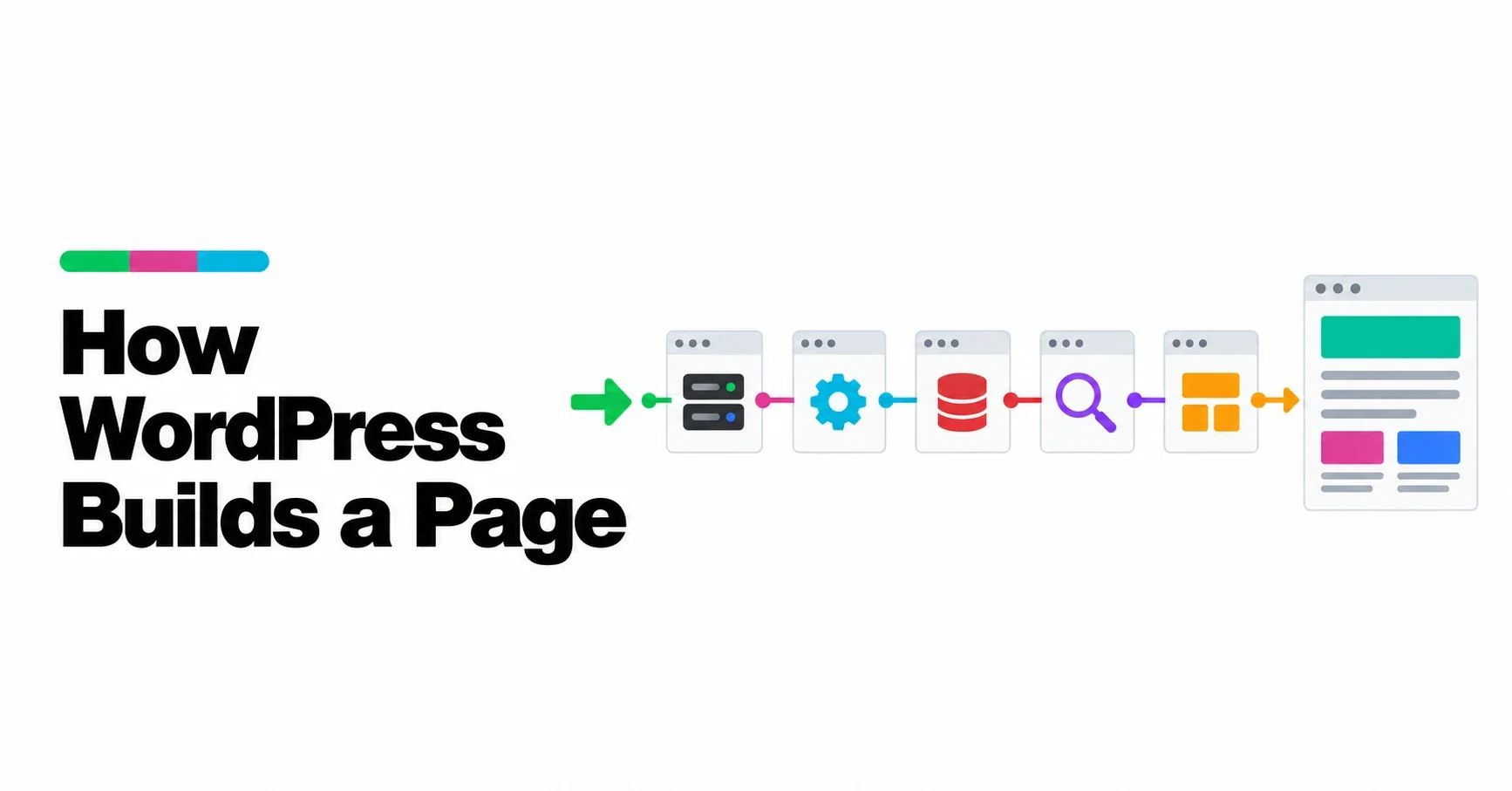
- WordPress builds each page on request: the web server hands the request to index.php, WordPress loads itself, works out what was asked for, fetches it and renders it through a template.
- Loading happens in a fixed order: configuration, core, plugins and then the active theme’s functions, before any content is queried.
- WordPress turns the address into a query by matching it against rewrite rules, then fetches the matching content from the database or returns a 404.
- The template loader chooses a template from the theme by following the template hierarchy, and the template turns the content into HTML.
- Plugins and themes join in at defined hooks along the way, such as pre_get_posts to adjust the query or template_redirect before a template loads.
A WordPress page does not exist as a file waiting to be sent. Each time someone asks for it, WordPress builds it: it loads its code, works out what was requested, fetches the content from the database, picks a template and writes out the HTML. The whole process usually takes a fraction of a second, and it runs in the same order every time.
Knowing that order explains a lot about WordPress: why plugins can change almost anything, why a slow plugin slows every page, and why caching makes such a difference. It is part of our guide How WordPress Works. Learn WordPress’s tutorial on the request lifecycle is the basis for the steps below.
The journey at a glance
Request lifecycle
The sequence of steps WordPress follows to answer a single request, from the web server receiving it to the finished HTML being sent to the browser.
| Step | What happens | Main file or function |
|---|---|---|
| 1 | The web server routes the request to WordPress | .htaccess or server rules, index.php |
| 2 | WordPress loads its configuration | wp-load.php, wp-config.php |
| 3 | Core, plugins and theme functions load | wp-settings.php |
| 4 | The request is parsed and the content queried | wp() |
| 5 | A template is chosen | template-loader.php |
| 6 | The template renders the HTML | The theme’s template |
Step 1: the web server hands over
The request first reaches the web server, Apache or Nginx on most hosts. With pretty permalinks enabled, the server’s rewrite rules send almost every request that is not for a real file, such as an image or a stylesheet, to WordPress’s index.php. That is why addresses like /how-wordpress-builds-a-page/ work even though no such folder exists: they are all answered by the same entry point.
index.php does very little. It tells WordPress to use themes and loads wp-blog-header.php, which in turn runs the three main stages: load WordPress, run the query, load the template.
Step 2: configuration
wp-load.php defines the base path that the rest of WordPress relies on and finds wp-config.php. If there is no configuration file yet, it sends the visitor to the installation screen. wp-config.php holds the database name and credentials, security keys and settings such as debugging, and then hands over to wp-settings.php.
Step 3: loading core, plugins and the theme
wp-settings.php is where most of WordPress comes to life. In order, it:
- loads the core files and connects to the database
- loads must-use plugins and, on a multisite network, network-activated plugins
- registers the default post types and taxonomies
- loads every active plugin
- loads the active theme’s functions.php
- fires the wp_loaded action, signalling that WordPress is fully loaded
The order matters. Plugins load before the theme, so a theme can rely on a plugin being present. And everything loads on every request, whether the page needs it or not, which is why a heavy plugin can slow down every page of a site.
Step 4: understanding the request
Now WordPress has to work out what was asked for. The wp() function sets up the current user and then parses the request: it compares the address with the site’s rewrite rules and turns it into query variables, such as “the post with this slug” or “page two of this category”.
Those variables become a database query. Before it runs, plugins can adjust it through the pre_get_posts hook, for example to change how many posts an archive shows. The query fetches the matching content. If nothing matches, WordPress marks the request as a 404. The headers are sent, and the wp action fires.
Everything WordPress knows at this point, which post, which archive, whether it is the front page, is available to the rest of the process through conditional functions such as is_single() or is_front_page().
Step 5: choosing a template
template-loader.php first fires the template_redirect action, the last moment for a plugin to send the visitor elsewhere before anything is rendered. It also handles special requests such as feeds and robots.txt, some of which end the process early.
Then it chooses a template. It checks what kind of request this is and follows the template hierarchy: a fixed order of increasingly general templates, from the most specific match for this exact content down to the theme’s index template, which always exists. The template_include filter gives plugins a final chance to swap the choice. We describe the order in The WordPress Template Hierarchy.
Step 6: rendering the HTML
The chosen template runs. In a block theme, it is an HTML file made of blocks: template parts for the header and footer, and blocks that output the title, the content and lists of posts. Each block renders itself into HTML. Blocks that need live data, such as a list of the latest posts, are rendered on the server at this moment; others are already stored as finished HTML in the content.
The theme’s styles, generated largely from theme.json, are added to the page, along with any scripts that blocks and plugins need. The finished HTML is sent to the browser, which then loads the CSS, images and JavaScript it refers to. What the browser receives is ordinary front end code, as we explain in The Front End of a Website.
Where plugins and themes step in
Because the process runs in a fixed order with hooks along the way, extensions can join in at exactly the right moment without editing WordPress’s own files:
| Moment | Hook | Typical use |
|---|---|---|
| WordPress fully loaded | wp_loaded | Register things that need everything else loaded |
| Before the query runs | pre_get_posts | Change what an archive or search returns |
| After the query | wp | Act on what was requested |
| Before a template loads | template_redirect | Redirect, or answer the request directly |
| When the template is chosen | template_include (filter) | Use a different template |
We explain how hooks work in WordPress Hooks: How Plugins Change WordPress.
Why caching works so well
Building a page fresh for every visitor repeats the same work over and over: load everything, query the database, render the template. Page caching saves the finished HTML after the first visit and serves it directly to the next visitors, skipping almost the whole lifecycle. That is why caching is often the single largest speed improvement for a WordPress site, and why pages that must be personal, such as a shopping basket, are usually left out of it.
What this means for a site owner
- Every active plugin loads on every request, so the number of plugins matters less than what each one does when it loads.
- The theme only decides presentation, at the end of the process; what content is shown is decided earlier, by the query.
- Redirects and access rules belong early, before templates load, which is why they use template_redirect.
- Caching skips most of this work, so it is worth having on any site whose pages are the same for every visitor.
Frequently asked questions
How does WordPress generate a page?
The web server sends the request to index.php. WordPress loads its configuration, core, plugins and theme, parses the address into a query, fetches the content from the database, chooses a template through the template hierarchy and renders the HTML.
In what order does WordPress load plugins and themes?
Must-use plugins load first, then active plugins, then the active theme’s functions.php. This happens in wp-settings.php before the request is parsed.
What is pre_get_posts?
It is an action hook that runs before WordPress executes its main query, so a plugin or theme can change what an archive, search or other listing returns.
Why does caching make WordPress faster?
A page cache stores the finished HTML and serves it to later visitors, skipping the loading, querying and rendering WordPress would otherwise repeat for every request.