
Key takeaways
- Hooks are predefined points in WordPress’s code where other code can join in. The developer handbook describes them as a way for one piece of code to interact with or modify another at specific spots.
- There are two kinds. Actions let code do something at a given moment. Filters receive a value, change it and return it.
- Plugins and themes attach functions to hooks with add_action() and add_filter(); WordPress runs them when it reaches the hook.
- Hooks are why WordPress can be updated without breaking plugins: extensions never edit core files, they attach to hooks that stay in place.
- The same system lets plugins add their own hooks, so other plugins can extend them in turn.
WordPress runs a large share of the web’s sites, and they look nothing alike and do very different things, all on the same core code. That is possible because WordPress was built to be extended without being edited. The mechanism that makes it work is the hook, and almost everything a plugin does goes through one.
This article explains what hooks are, how actions and filters differ and why the system matters for anyone running a WordPress site. It is part of our guide How WordPress Works.
What a hook is
Hook
A named point in WordPress’s code where it stops and runs any functions that other code has attached to that name. Hooks let plugins and themes add behavior or change data without editing WordPress’s own files.
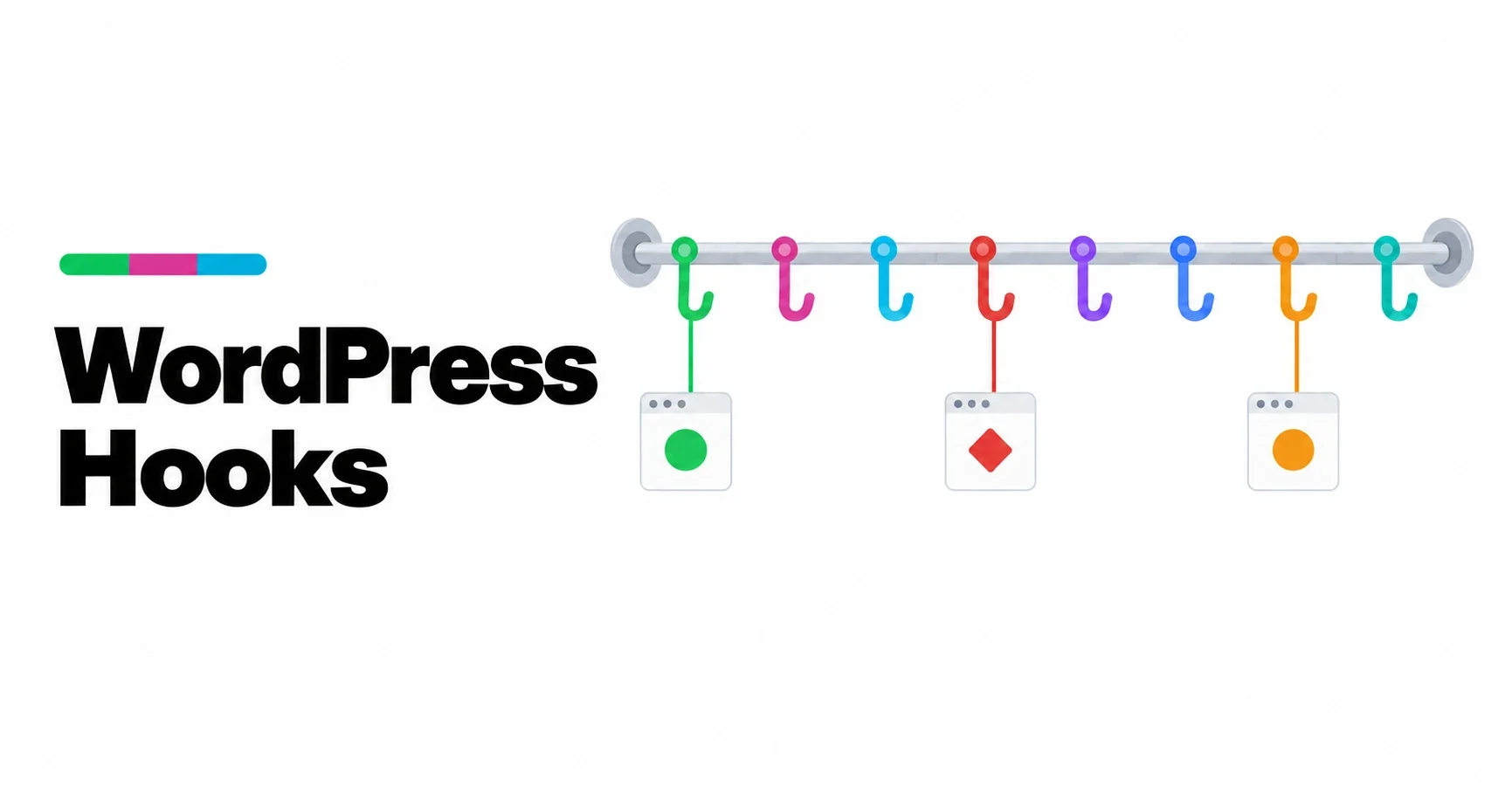
The WordPress developer handbook defines hooks as a way for one piece of code to interact with or modify another piece of code at specific, predefined spots. Think of them as sockets placed throughout WordPress: when a post is saved, when a page is about to be rendered, when a title is about to be displayed. Any plugin can plug a function into any socket.
Actions and filters
There are two kinds of hook, and the difference is what they expect back.
| Action | Filter | |
|---|---|---|
| Purpose | Do something at a given moment | Change a value before WordPress uses it |
| Returns | Nothing | The value, modified or not |
| Attached with | add_action() | add_filter() |
| Run by WordPress with | do_action() | apply_filters() |
| Typical use | Send an email when a post is published | Change the length of excerpts |
The handbook puts it plainly: actions allow you to add data or change how WordPress operates, and their callbacks return nothing; filter callbacks accept a variable, modify it and return it. It also advises that filters should avoid side effects such as producing output or changing global variables, because other code may rely on running the same filter.
How a plugin uses a hook
A plugin has two steps:
- Write a function that does the work, such as adding a notice or changing a value.
- Attach it to a hook with add_action() or add_filter(), giving the hook’s name and the function.
From then on, every time WordPress reaches that hook, it runs the function. The plugin never needs to know where in WordPress’s files the hook lives, and it never edits those files.
Several functions can be attached to the same hook. A priority number decides the order they run in, and functions with the same priority run in the order they were attached. That is how two plugins can both change the same thing without knowing about each other, and also how they can sometimes conflict.
Hooks along the life of a page
Hooks run at every stage of building a page, which we follow in How WordPress Builds a Page. A few of the most used:
| Hook | Type | When it runs | Typical use |
|---|---|---|---|
| init | Action | Once WordPress has loaded, early in each request | Register post types and taxonomies |
| wp_loaded | Action | When WordPress, plugins and theme are fully loaded | Start work that needs everything in place |
| pre_get_posts | Action | Before the main query runs | Change what an archive or search returns |
| template_redirect | Action | Before a template is loaded | Redirect or answer the request directly |
| the_content | Filter | When post content is prepared for display | Add or change content |
| wp_head | Action | Inside the page’s head | Add meta tags, styles or scripts |
| save_post | Action | When a post is saved | Update related data |
Why hooks matter for site owners
They make updates safe. Because plugins attach to hooks instead of editing WordPress, WordPress can replace its own files during an update and the plugins keep working, as long as the hooks they use still exist. This is also why editing core files is a mistake: the next update overwrites the edits.
They explain conflicts. When two plugins change the same thing through the same hook, the one that runs last wins. Many plugin conflicts are exactly that.
They explain performance. A function attached to a hook that runs on every request runs on every page view. A plugin that does heavy work on such a hook slows down the whole site, even pages that do not use its feature.
They explain what a plugin can do. Almost anything WordPress does passes through a hook, so a plugin can change almost anything. That power is why choosing plugins carefully matters.
Hooks are not only for WordPress
Plugins and themes can create hooks of their own with do_action() and apply_filters(). Well-built plugins do, so that other code can extend them in the same way they extend WordPress. Large plugins such as shops and form builders often have hundreds of their own hooks, which is how an ecosystem of add-ons grows around them.
Hooks and the theme-plugin boundary
Themes can use hooks too, and often do, for example to load their styles or register block patterns. But hooks make it tempting to put features into a theme’s functions.php file. Anything placed there disappears when the theme changes. Features that should outlive the design belong in a plugin, as we explain in Themes vs Plugins: Where Each Feature Belongs.
Our plugins
Our plugins are built entirely on hooks, never on edited core files, and add their own hooks so they can be extended in turn. You can see what we make on our plugins page and at Powerful WP Plugins.
Frequently asked questions
What are hooks in WordPress?
Hooks are predefined points in WordPress’s code where other code can run. Plugins and themes attach functions to them to add behavior or change data without editing WordPress’s files.
What is the difference between an action and a filter?
An action runs code at a given moment and returns nothing. A filter receives a value, may change it and must return it so WordPress can use the result.
How do I add a function to a hook?
With add_action() for actions or add_filter() for filters, giving the hook’s name and your function. An optional priority number controls the order relative to other functions on the same hook.
Why should I not edit WordPress core files?
Updates replace core files, so edits are lost. Hooks exist so that changes can live in plugins and survive every update.