
Key takeaways
- Internal links are links from one page on your site to another. Google uses them to find pages and to understand what they are about.
- Google’s guidance: every page you care about should have a link from at least one other page on your site.
- Good anchor text is descriptive, concise and relevant to both pages. If the link text makes sense on its own, it is probably right.
- Link by topic: articles up to their pillar, across to close neighbors, and the pillar down to every article.
- There is no ideal number of links per page. Link where it helps the reader, and not elsewhere.
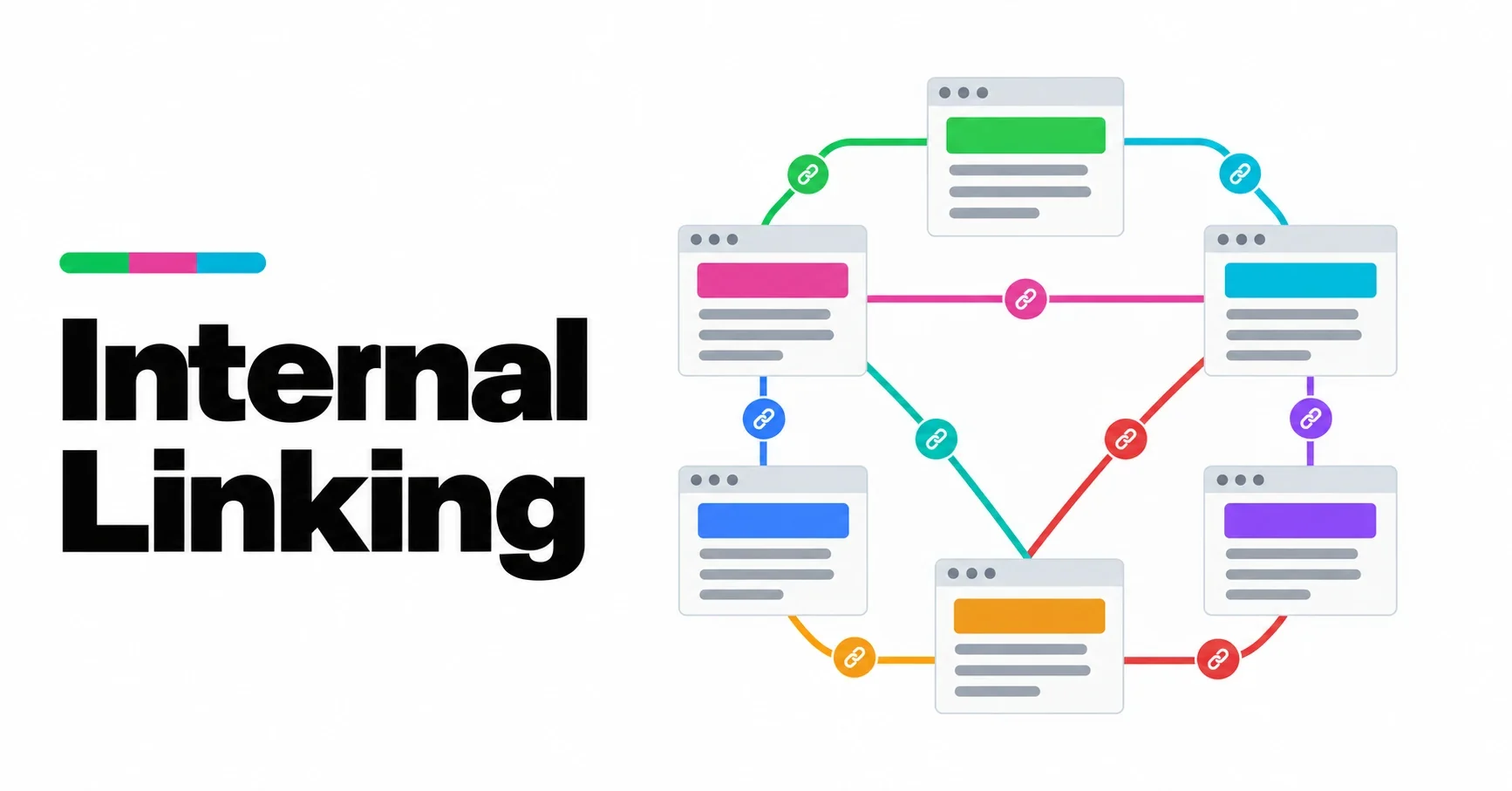
Internal links are the roads of a website. Navigation menus are the highways; the links inside your text are the streets that take a reader from one useful page to the next. Search engines use the same roads. A site with good internal linking gets its pages found, understood and read. A site without it has pages that nobody, human or machine, ever reaches.
This article explains how to link a site well. It is part of our guide to site architecture.
What Google says
Google’s documentation is unusually clear on internal links, and worth quoting directly.
On discovery, the SEO starter guide says that “the vast majority of the new pages Google finds every day are through links”.
On relevance, Google’s link guidance says it “uses links as a signal when determining the relevancy of pages and to find new pages to crawl”.
On coverage: “Every page you care about should have a link from at least one other page on your site.”
On anchor text: “Good anchor text is descriptive, reasonably concise, and relevant to the page that it’s on and to the page it links to.” Google suggests a simple test: read only the anchor text, out of context, and check whether it is specific enough to make sense by itself. It also warns against stuffing keywords into links, and suggests spacing links through the text rather than bunching them together.
Nothing here is a trick. It is a description of links that are useful to readers, which turn out to be the links that are useful to search engines as well.
The kinds of internal link
- Navigation links: menus, footers and sidebars. They tell visitors and search engines which pages matter most on the whole site.
- Breadcrumbs: the trail that shows where a page sits in the hierarchy.
- Contextual links: links inside the text of an article, placed where the reader would want to go next. These carry the most meaning, because the words around them explain the connection.
- Related links: lists of related articles at the end of a page, often generated automatically.
All four matter, but contextual links are where most sites are weakest, and where the most improvement is available.
A simple set of rules
On a site organized by topic, with a pillar page for each subject, four rules cover most of what you need:
- Up. Every article links to its pillar page, early in the text, with words that describe the topic.
- Across. Every article links to two or three of its closest neighbors in the same topic, where the text naturally leads to them.
- Down. Every pillar links to every article in its topic.
- No orphans. Every page has at least one link pointing to it from another page.
Links between topics are fine when they genuinely help, but most of an article’s links should stay within its topic. That is what makes the topic visible.
Writing good anchor text
Compare three ways of linking to the same article:
| Anchor text | Verdict |
|---|---|
| click here | Says nothing about the destination |
| internal linking best practices for WordPress sites with pillar pages and clusters | Says too much; reads like a keyword list |
| how to link pages by topic | Describes the destination and reads naturally |
Vary the wording between pages. If fifty articles link to the same pillar with exactly the same five words, it looks mechanical. Use the words that fit each sentence, as long as they describe the page.
How many links?
Google does not give a number, and there is no good one to give. A short article may need three links; a long pillar may need thirty. The right test is whether each link helps the reader at the point where it appears. A link added only to reach a quota distracts the reader and dilutes the signal of the links that matter.
Finding the problems
Three checks catch most linking problems:
- Orphans. List every page and check which ones have no internal links pointing to them. Many site crawlers report this, and so does the Architecture screen in our TWA AEO plugin.
- Articles that never link to their pillar. Open a sample of articles and check the first few paragraphs.
- Vague anchors. Search your content for “click here”, “read more” and “this article”.
Automating internal links, carefully
Plugins that add links automatically are tempting, and many do harm: they link the same phrase everywhere, link to the wrong page, or add so many links that none of them mean anything. If you automate, choose a tool that follows your topic structure, uses words already in your text, shows you what it will add, and can remove everything it added in one step. We are building our own internal linking plugin around those four rules, and we have an obvious interest in recommending it, so judge any tool, ours included, by them.
Frequently asked questions
What is internal linking?
Linking from one page on your site to another. It helps readers move through the site and helps search engines find pages and understand what they are about.
How many internal links should a page have?
There is no fixed number. Link wherever a link helps the reader, keep most links within the page’s topic, and make sure every page has at least one link pointing to it.
Does anchor text matter for internal links?
Yes. Google says anchor text tells users and Google something about the linked page, and recommends text that is descriptive, concise and relevant.
Should I use nofollow on internal links?
Generally no. Internal links exist to help search engines understand your site, so there is rarely a reason to tell them not to follow one.