
Key takeaways
- The front end is everything that runs in the visitor’s browser. The back end is everything that runs on the server before the page is sent.
- The front end is written in three languages with separate jobs: HTML gives content its structure and meaning, CSS styles it and JavaScript adds behavior.
- MDN describes the three as layers of a cake, each building on the one below. Built in that order, a page still delivers its content when a script or stylesheet fails.
- WordPress is a back end that writes front ends: PHP and the database produce HTML, the theme supplies the CSS, and blocks and plugins add JavaScript where needed.
- Good front ends lean on HTML, use CSS for design and keep JavaScript for what genuinely needs it. That is what makes them fast, accessible and easy to change.
Every website has two halves. One half runs on a server you never see: it stores the content, checks who is logged in and decides what to send. The other half runs in the visitor’s browser: it is what they actually see, read and click. The second half is the front end, and it is built from three languages that every web page, on every platform, shares.
This article explains what those three languages do, where the front end ends and the back end begins, and how WordPress produces the front end of every page. It is part of our guide How WordPress Works.
Front end and back end
Front end
The part of a website that is delivered to the browser and runs there: the HTML that structures the page, the CSS that styles it and the JavaScript that makes it interactive. Also called the client side.
The back end, or server side, is everything that happens before the page reaches the browser. MDN puts the distinction simply: client-side code is downloaded and then run and displayed by the browser, while server-side code runs on the server and only its results are sent to the browser. PHP, the language WordPress is written in, is a server-side language.
| Front end | Back end | |
|---|---|---|
| Where it runs | The visitor’s browser | The web server |
| Languages | HTML, CSS, JavaScript | PHP in WordPress; others elsewhere |
| What it does | Shows the page and responds to the visitor | Stores content, applies logic, builds the page |
| What the visitor can see | All of it, with “view source” | Only its results |
HTML: structure and meaning
MDN describes HTML as the markup language used to structure web content and give it meaning: defining paragraphs, headings and data tables, or embedding images and videos. HTML says what each piece of content is, not how it looks. A heading is marked as a heading, a list as a list, a link as a link.
That meaning is used by more than browsers. Screen readers use headings and landmarks to let people navigate a page. Search engines and AI assistants use the same structure to understand what a page is about and which part answers which question. A page whose structure is right in HTML is halfway to being accessible and well understood before any design is applied. Structured data goes one step further and describes the page to search engines and AI assistants explicitly.
CSS: presentation
MDN describes CSS as a language of style rules used to apply styling to HTML content: setting colors and fonts, and laying out content in columns. CSS is where the design lives: typography, spacing, colors, layouts and how the page adapts from a phone to a wide screen.
Keeping presentation in CSS, separate from the HTML, is one of the oldest principles of the web, and one of the most useful. It means the same content can be redesigned by changing styles alone, and that one change to a style rule updates every page that uses it.
JavaScript: behavior
MDN describes JavaScript as a scripting language that enables dynamically updating content, controlling multimedia, animating images and much more. It runs in the browser after the page loads, and it is what makes a menu open, a form check its fields before sending, or a gallery slide.
JavaScript is the most powerful of the three layers and the most expensive. Every script has to be downloaded, read and run by the visitor’s device, and a page that depends on JavaScript for its basic content can fail completely when a script does not load. Good front ends use it where behavior is genuinely needed, not to do what HTML and CSS can do on their own.
How the three layers fit together
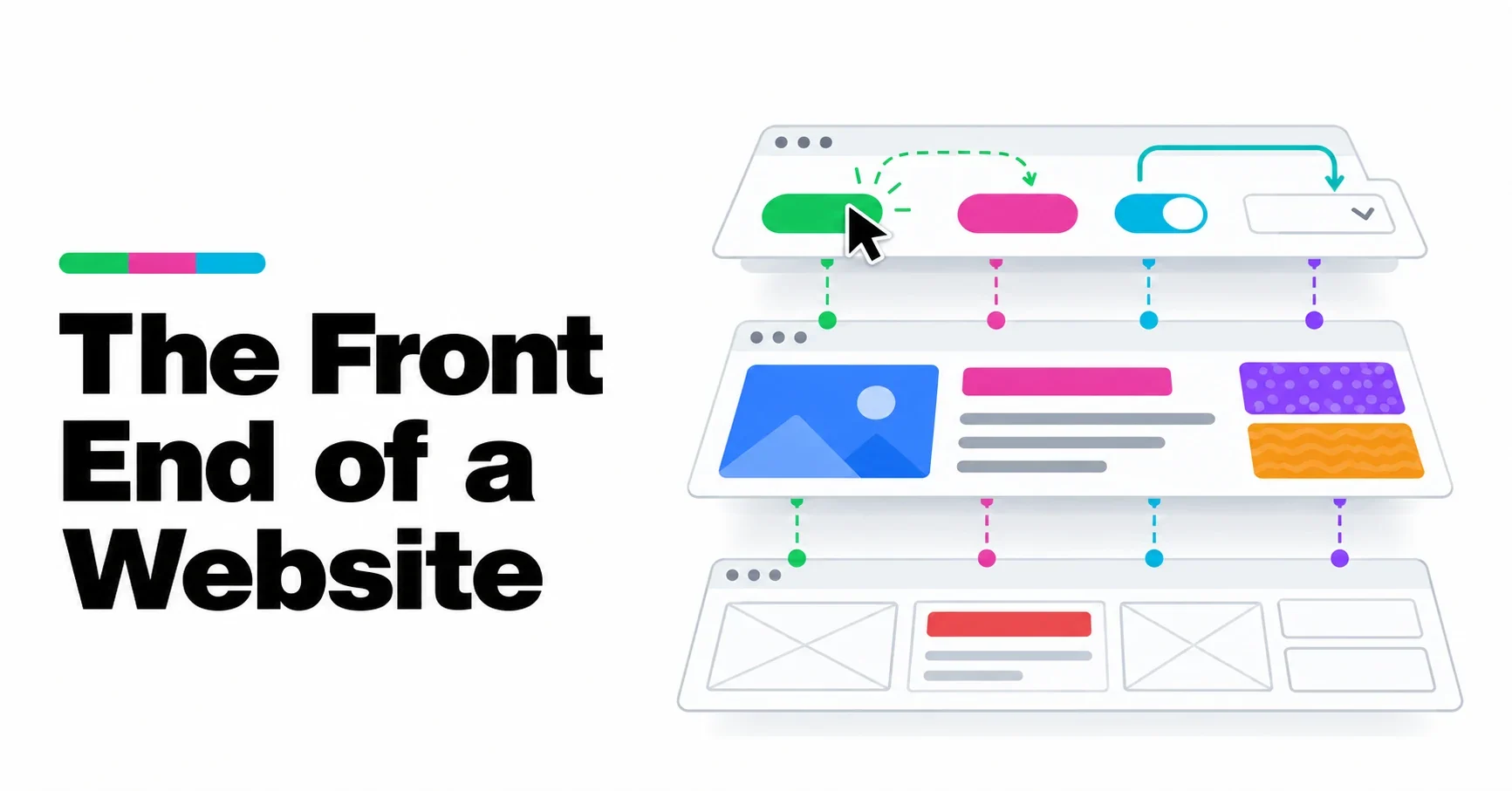
MDN calls JavaScript the third layer of the layer cake of standard web technologies, and notes that the three layers build on top of one another. Its own example is a button: HTML creates it, CSS styles it, JavaScript makes it do something.
That layering suggests a useful order of priorities:
- Content and structure first, in HTML. The page should make sense with no styles and no scripts.
- Design second, in CSS. It makes the structured content clear and attractive.
- Behavior last, in JavaScript. It improves what is already there rather than holding it up.
A front end built in that order degrades gracefully: if a script fails or a stylesheet is slow, the visitor still gets the content.
How WordPress produces the front end
WordPress is a back end whose job is to write front ends. When a page is requested, PHP code running on the server fetches the content from the database, chooses a template from the active theme and assembles the HTML. We follow that journey step by step in How WordPress Builds a Page.
Each layer of the front end has a source in WordPress:
- HTML comes from your content, stored as blocks, and from the theme’s templates. Blocks are themselves HTML with small comments that name each block, as we explain in How WordPress Stores Blocks.
- CSS comes mainly from the theme. In a block theme, much of it is generated from the theme.json file, which defines colors, fonts and spacing once and turns them into styles for every block. We cover it in theme.json Explained.
- JavaScript comes from blocks that need it and from plugins. A well-built theme adds little or none of its own.
The front end WordPress produces is ordinary HTML, CSS and JavaScript. Nothing about it is specific to WordPress, which is why any browser can display it and why the same content can be moved to another theme, or another system, and still make sense.
What a good front end looks like
- Semantic HTML: headings in order, lists as lists, links as links, buttons as buttons.
- Design in CSS, set once: a small set of colors, fonts and spacings used consistently, rather than styles typed into each page.
- Little JavaScript, loaded only where needed.
- Responsive by default: layouts that adapt to any screen width rather than separate versions for phones.
- Images sized for the screen: WordPress has added srcset and sizes attributes to content images since version 4.4, so browsers can choose an appropriate file.
- Fast on a slow phone: the test that matters, because that is where many visitors are.
Our themes
Our themes are built on this order of priorities: structure in HTML from core blocks, design defined once in theme.json, and no JavaScript of their own. You can see them on our themes page and at Powerful WP Themes.
Frequently asked questions
What is the front end of a website?
It is the part that runs in the visitor’s browser: the HTML that structures the page, the CSS that styles it and the JavaScript that makes it interactive.
What is the difference between front end and back end?
The front end runs in the browser and is what the visitor sees. The back end runs on the server and prepares the page: storing content, applying logic and building the HTML.
What do HTML, CSS and JavaScript each do?
HTML gives content its structure and meaning, CSS controls how it looks and JavaScript adds behavior, such as menus that open or forms that check their fields.
Is WordPress front end or back end?
WordPress itself is a back end written in PHP. Its job is to produce the front end: the HTML, CSS and JavaScript that the browser displays.
Do I need to know HTML and CSS to use WordPress?
No. The block editor and a block theme let you build and style pages without code. Knowing the basics helps you understand what the editor produces and fix small problems.